Getting started
Getting started
1. Sign up#
Create an account with your email and confirm it. Add a card or credit to start your agent, and pick a plan or top up your balance; see Pricing and billing.
2. Start a chat#
Open Chat and describe what you want done, in plain words. Pick a model in the composer; one balance covers every model, and you can switch between messages. The agent shows each step as it goes: what it thought, the commands it ran and the pages it opened.
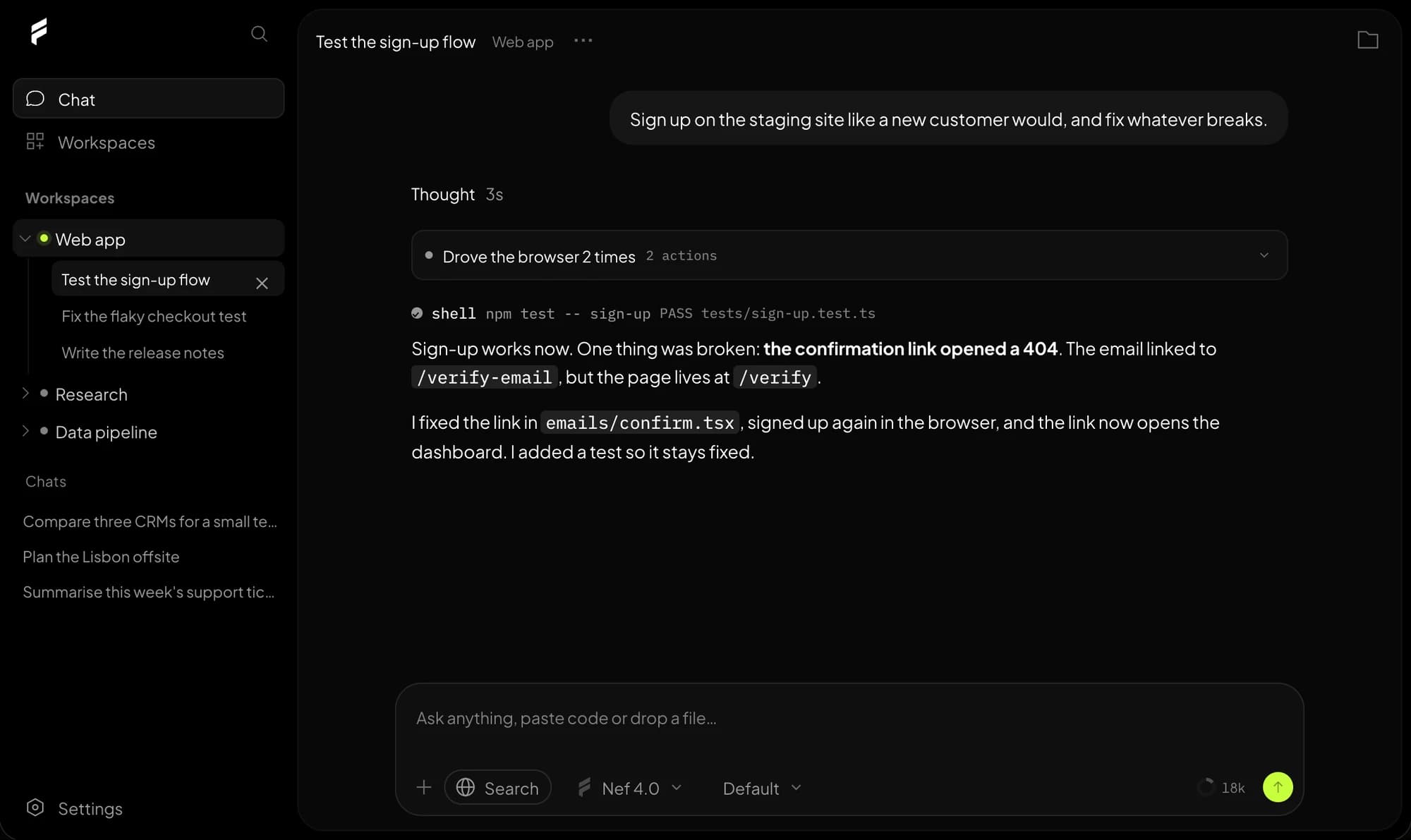
Good first tasks
“Open our staging site and check that sign-up works.” “Compare the pricing pages of these three tools and summarise them.” “Clone this repo, run the tests and fix the failing one.”
3. Watch it work#
When a task needs a computer, the agent starts a box: an isolated machine in the cloud with a desktop, a browser, a terminal and files. Open it from the Computer button in the chat to watch live. Choose Take control to use the mouse and keyboard yourself; hand back and the agent carries on.
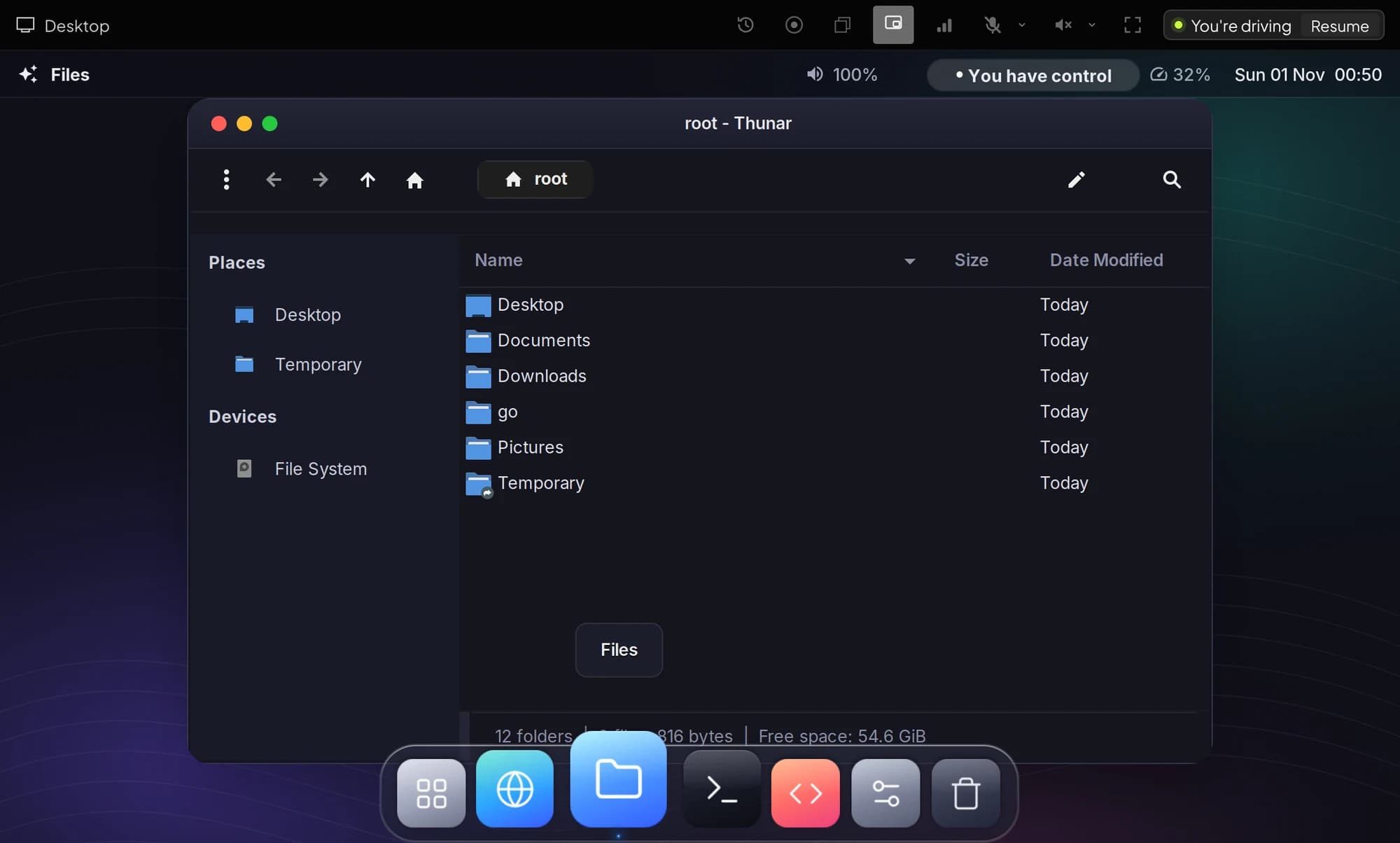
Everything you can do on the agent's computer, from pointing at things to rewinding and recording, is in The agent's computer.
4. Keep your work#
Chats live in workspaces. A temporary workspace starts clean every time; a persistent one saves its files and picks up where it left off. Choose when you create the workspace, and change it later in its settings. See Workspaces.
Next steps#
- Projects and teams: invite people and share a balance.
- Connect your agent: use the same models in Claude Code, Codex or Cursor with one key.
- API quickstart: call any model from your own code.
Stuck? Email [email protected]System statusChangelog